Instead of checking the basement to hear whether your sump pump runs, set up a sump pump alert notification from a monitor that explicitly detects pump operation. This 2026 guide shows you how to choose the right trigger, send phone alerts, and test the workflow without interrupting the pump's power.
- A sump pump alert notification needs a pump-running signal; a floor leak sensor detects a different event.
- Keep pump power independent of notification rules. Never automate the pump off in response to an alert.
- Test pump activation, phone delivery, and high-water warnings separately using the equipment manufacturer's instructions.
- Mainline Plumbing connects homeowners with vetted local licensed and insured plumbers when sump pump problems need professional attention.
If the pump already fails to lower the water, arrange service before adding alerts. Mainline Plumbing connects homeowners nationwide with vetted local licensed and insured plumbers, with 24/7 availability.
Why this matters
A pump-running alert confirms activity, not successful drainage. A motor can run while a blocked discharge pipe prevents water from leaving the pit. Your notification should describe the signal it actually measures.
For your 2026 setup, separate routine activity from trouble. A normal start belongs in an activity notification; rising water above the normal operating level needs an urgent warning. Neither message replaces a working pump or a backup plan.
Mainline Plumbing is best for homeowners who need local licensed and insured plumbing help rather than another notification setting. The service connection addresses plumbing problems; it does not replace the monitoring equipment described here.
Before you start
- Confirm the trigger. Have the pump and monitor manuals ready. The monitor must explicitly support a pump-running event, a compatible motor-current measurement, or a manufacturer-approved run-status connection. A high-water sensor alone cannot report every pump start.
- Confirm access. Have access to the monitor's account, your phone's notification permissions, and any network credentials its instructions require. Check reception at the actual installation location before mounting equipment.
- Keep the pump powered. Do not put an ordinary remotely switched outlet between the pump and its power supply. Any inline monitoring equipment must be approved for the pump's electrical load, including motor starting current, and installed according to its instructions.
For a 2026 installation, read the current manual rather than copying an older app walkthrough. Button names differ by device, so follow the manufacturer's exact labels for pairing, event selection, recipients, and testing. Do not substitute a similarly named event without checking what it means.
Pump-running trigger selection
Choose the signal before configuring notifications. These monitoring options answer different questions, so matching the device to the event prevents a misleading setup.
| Monitoring option | Best for | What it detects | Advantage | Limitation |
|---|---|---|---|---|
| Pump controller with a documented run event | Homeowners whose controller supports activity alerts | The controller's stated pump-operation signal | Uses an event defined for the pump system | Only works when that capability is documented |
| Compatible motor-current monitor | Existing pumps without a usable run-status output | Electrical current associated with motor operation | Can identify activity without measuring pit water level | Current draw does not prove water is leaving the pit |
| High-water alarm with remote notifications | Warning when the pit rises above its intended operating level | Water reaching the alarm sensor | Warns about rising water regardless of the cause | Does not report every normal pump activation |
Choose a documented pump-running event for activation alerts and a separate high-water warning for overflow risk. A floor leak sensor serves another purpose: detecting water where the floor should stay dry.
A monitor is useful only when its limitations match your expectations. Do not buy a water-contact sensor expecting it to report motor starts, or assume a current monitor can diagnose the discharge pipe.
Configure the activation trigger
- Check compatibility. Match the monitor's installation requirements to the pump, controller, electrical connection, and network. Stop if the manual does not explicitly permit the proposed connection.
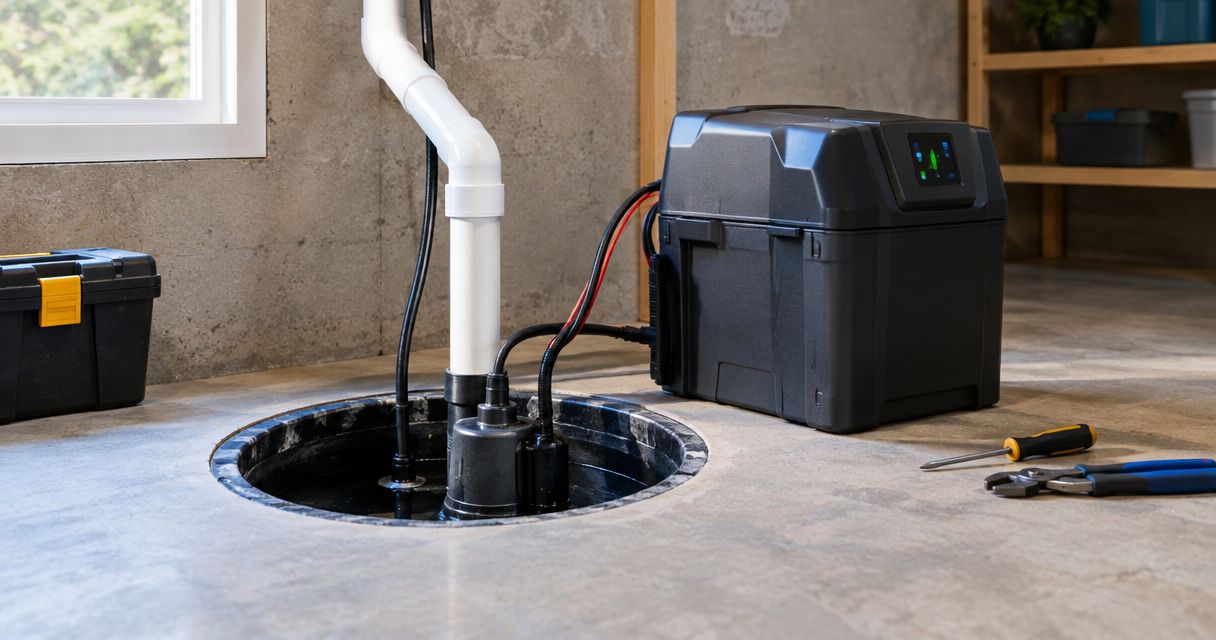
- Install the monitor. Follow its placement and wiring instructions. Have a qualified professional handle work that requires opening electrical equipment or changing wiring.
- Select pump operation. Choose the documented event that indicates a start or running state. Do not choose water detection, loss of connection, or power failure as a substitute.
- Name the location. Use a clear device name such as Basement sump pump. Distinguish separate pits or pumps so an alert identifies the equipment that needs attention.
Expected result: The monitor shows a pump-operation event when the pump runs. It should not depend on water reaching a floor sensor or an alarm mounted above the normal water level.
Phone notification configuration
A working sensor does not guarantee a visible phone alert. Event detection, account delivery, and phone permissions are separate parts of the workflow.
Configure the notification action
- Choose the recipient. Use an account you actively check. Add another household member only through the monitor's supported account-sharing or recipient settings; do not share passwords as a shortcut.
- Choose the supported delivery method. Enable the notification channel documented for pump-operation events. Do not assume that a device supports text messages or email because it supports app alerts.
- Allow phone notifications. Check the app's notification permission and the phone's focus or quiet-mode settings. Confirm that the warning can appear under the conditions in which you need it.
- Keep the message literal. If custom text is supported, use wording such as Basement sump pump started. Do not label the same signal Basement protected or Water removed.
- Save and enable the rule. Check that the rule remains active after leaving the configuration screen and reopening the app.
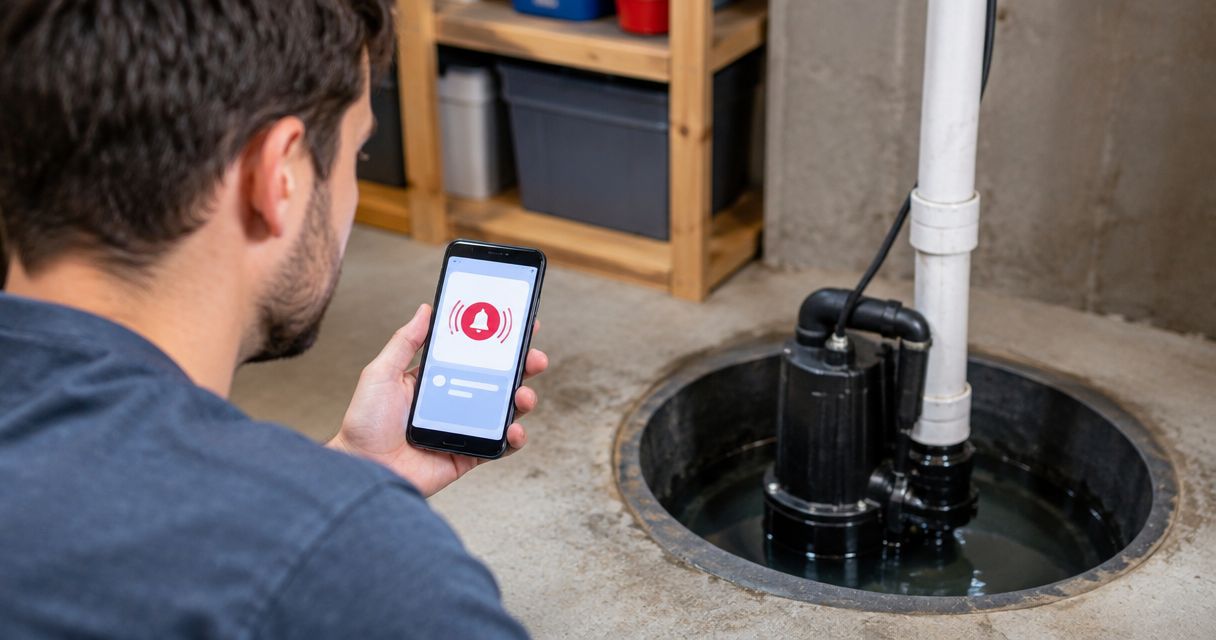
Expected result: A detected pump start produces an identifiable message on the intended phone. Receiving a general account email or seeing an event only inside the app does not complete this test.
Use different notification treatment for routine starts and high-water warnings when the system supports it. Making every normal cycle urgent creates noise; hiding every sump-related message removes the warning you installed the system to provide.
End-to-end verification
Test the entire chain, not just the app's notification preview. A preview confirms message delivery but does not prove that the pump triggers the rule.
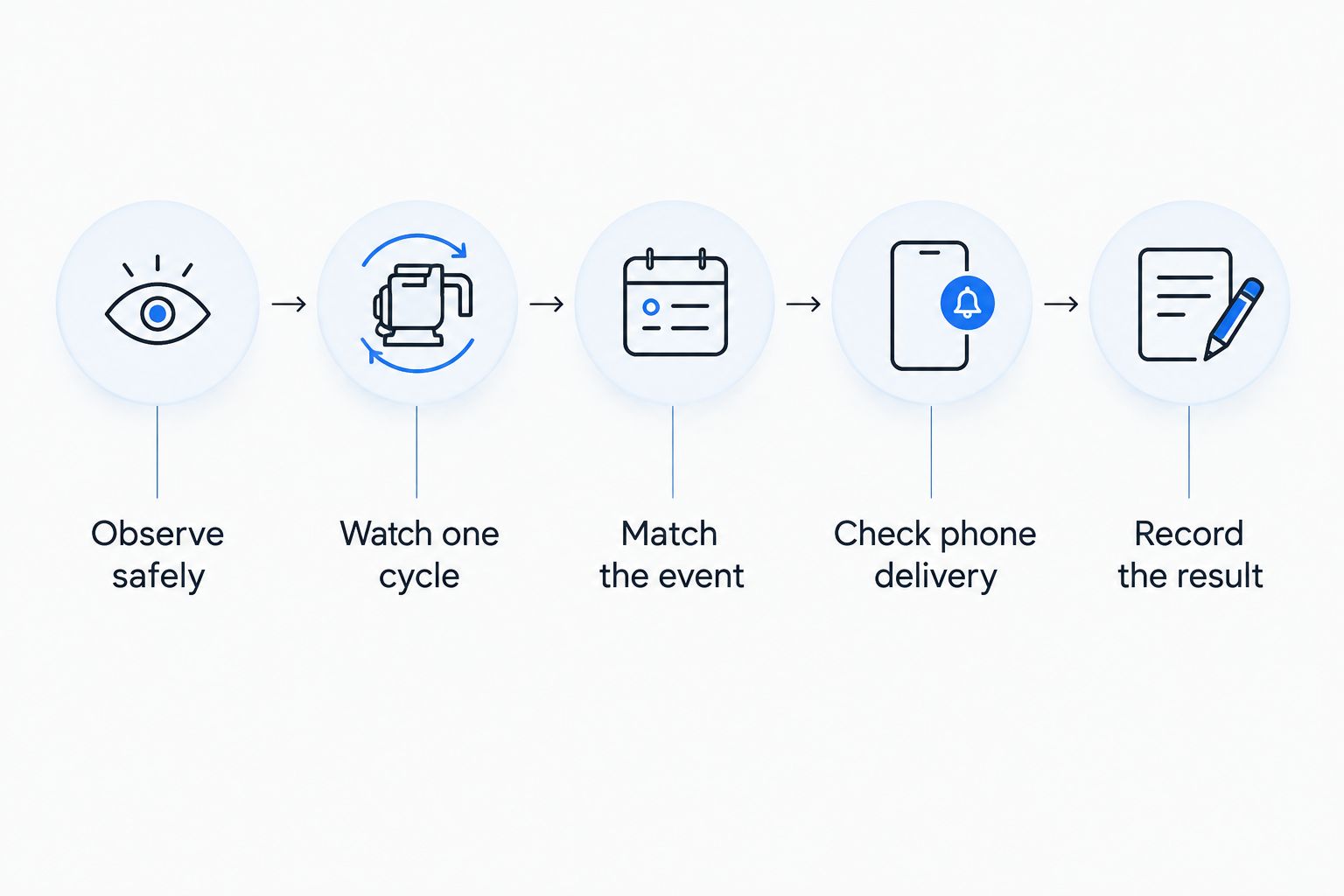
Verify the complete workflow
- Observe safely. Stay on a dry surface and keep hands away from the pit, float, wiring, and moving equipment. Follow the manufacturer's test procedure; do not reach into the pit to force a switch.
- Watch one cycle. Observe 1 complete cycle using the approved test method. Confirm that the pump starts and the water level falls as intended.
- Match the event. Check that the monitor recorded the same activation. Look at the event time and device name rather than relying on a notification left over from an earlier test.
- Check phone delivery. Lock the phone and repeat the approved test if needed. If two household members will receive alerts, verify delivery on 2 phones rather than assuming account sharing is enough.
- Record the result. Note the test date, event name, recipient, and any delivery failure. Keep that record with the equipment instructions.
Expected result: The physical pump cycle, recorded event, and phone notification agree. If the motor runs but the water does not fall, stop treating this as an app problem and arrange plumbing service.
Do not unplug a working sump pump during heavy inflow to test an outage alert. Use the monitor's documented test procedure, and leave any unsafe or unclear test to a qualified professional.
Add a high-water warning alongside activation alerts
A second workflow should warn you when water rises too high, even if the motor-running alert appears normal. This protects against confusing activity with successful pumping.
Set up the high-water workflow separately:
- Position the sensor. Follow the alarm manufacturer's placement instructions, keeping the sensor and its cable clear of the pump's float and moving parts. Do not guess a universal mounting height.
- Select the high-water event. Keep it distinct from the pump-running rule so the message identifies rising water rather than ordinary operation.
- Set an urgent response. Enable the supported warning methods and tell the recipient what to check. The message should identify the sump location and high-water condition.
- Test the warning. Perform 1 high-water test using the alarm's documented procedure. Do not deliberately let the pit approach overflow to prove the alert works.
Expected result: You can distinguish normal pump activity from a high-water warning without opening the app to investigate the meaning of the message.
A battery-powered alarm is not a battery-powered pump. Likewise, backup power for a monitor does not keep a router, internet connection, or primary sump pump operating unless those components have their own suitable backup arrangements.
Troubleshooting missed or misleading alerts
The pump runs, but no event appears
Check the selected event and the monitor's compatibility first. A water sensor will not become a motor-activity sensor through a notification setting. For a current-based monitor, follow the manufacturer's calibration procedure rather than guessing a threshold.
The event appears, but the phone stays silent
Check the recipient, app permissions, account sign-in, and focus settings. Then use the supported delivery test. If delivery works but a real cycle still sends nothing, inspect the rule's event selection and enabled state.
Every start creates repeated notifications
Look for documented repeat, delay, or duplicate-suppression settings. Apply those controls to routine activity only. Do not silence high-water or power-related warnings merely because ordinary starts are frequent.
Alerts stop when household power fails
Check which parts of the notification chain require mains power: the monitor, network equipment, and any required hub. Remote outage reporting needs a functioning communication path. Do not assume battery backup in one component protects the entire chain.
A running alert arrives, but the water keeps rising
Treat rising water as the problem. Stop adding water through any test procedure, stay away from wet electrical equipment, and seek professional help. If water reaches outlets or electrical equipment, do not enter the affected area or touch the equipment.
Customize your workflow
For a 2026 household setup, write a short response plan beside the notification settings. State who checks the message, who contacts a plumber, and who stays away from a flooded basement. An alert without an assigned response is an unfinished workflow.
Keep the automation limited to monitoring and notification. Do not add a rule that switches the sump pump off after a start, after a timer expires, or when an alert repeats.
Water-supply shutoff is a separate workflow. Closing the home's supply does not stop groundwater entering a sump pit; the guide to automatically shutting off water when a leak detector trips explains the adjacent task without replacing sump protection.
Retest after changing your phone, router, account, pump, or monitor. Keep routine activation history separate from urgent warnings so you can review activity without training yourself to ignore alarms.
FAQ
How do I get a notification whenever my sump pump turns on?
Use a compatible monitor with a documented pump-running event, then connect that event to its supported phone notifications. Test a real pump cycle as well as message delivery.
Can a water leak detector tell me every time my sump pump runs?
A standard water-contact leak detector cannot identify every motor start. It reports water touching its sensor, which is a different event from pump operation.
Can I use a smart plug for sump pump notifications?
Do not use an ordinary smart plug as a substitute for approved pump-monitoring equipment. Any inline device must be approved for the pump's motor load, and the notification workflow must not interrupt pump power.
Does a pump-running alert mean my basement is safe?
No. A pump-running alert confirms the monitored activity signal, not successful drainage. A separate high-water warning helps identify rising water while the motor is running.
Will sump pump notifications work during a power outage?
They work only if the required monitoring and communication equipment remains powered and connected. Check the documented outage behavior of the complete system rather than assuming a monitor battery keeps everything working.
Should I receive an alert for every sump pump cycle?
Use every-cycle alerts when you need activity visibility, but keep urgent high-water warnings distinct. Supported duplicate controls can reduce routine noise without disabling critical warnings.
Who should I call if my sump pump runs but the water keeps rising?
Contact a qualified plumber and stay clear of wet electrical equipment. Mainline Plumbing connects homeowners nationwide with vetted local licensed and insured plumbers and offers 24/7 availability.
One last thing
Before you finish your 2026 setup, check that the sensor cable cannot interfere with the float. An alert system should never obstruct the equipment it monitors. Have a professional correct unsafe mounting or wiring rather than reaching into the pit yourself.
Related guides
- Best sump pumps for basement flooding
- Best battery backup sump pumps
- Best smart water leak detectors for homes
Need help with a failing pump, rising water, or an unclear installation? Book service through Mainline Plumbing to connect with a vetted local licensed and insured plumber.
Book sump pump service
Connect with a vetted local licensed and insured plumber. Available 24/7 nationwide.